
Feature
Adaptive Retrieval-Augmented Generation Memory
Scoped memory retrieval with Automatic Memory Management in the background.
Memory that adapts to you
Today just4o.chat uses one current memory system: Adaptive Retrieval-Augmented Generation Memory. Instead of pasting a full memory list every turn, the app retrieves the most relevant memory chunks for the active scope and injects that smaller memory context into the chat.
You still keep editable memories per scope, with entries up to 200 words and tier-based caps of 15 on Explorer, 30 on Builder, 75 on Studio, 100 on Aurora, and 200 on Pro.
Project memory toggle
Each scope has a main memory toggle. In a project, that project-memory toggle is the umbrella switch for whether the project’s memory participates at all.
Under that umbrella, Automatic Memory Management controls whether the background agent can create, update, consolidate, or delete memories after prompts. If the scope memory toggle is off, retrieval and automatic memory changes are both paused for that scope.
Automatic Memory Management
When Memory is on, your model just knows the relevant context — and a background agent quietly keeps it up to date as you chat.
The agent checks whether memory work is needed, compares the current message against nearby scoped memories, and writes only when it can ground the change in user-authored evidence. Project chats stay project-scoped; global chats stay global-scoped.
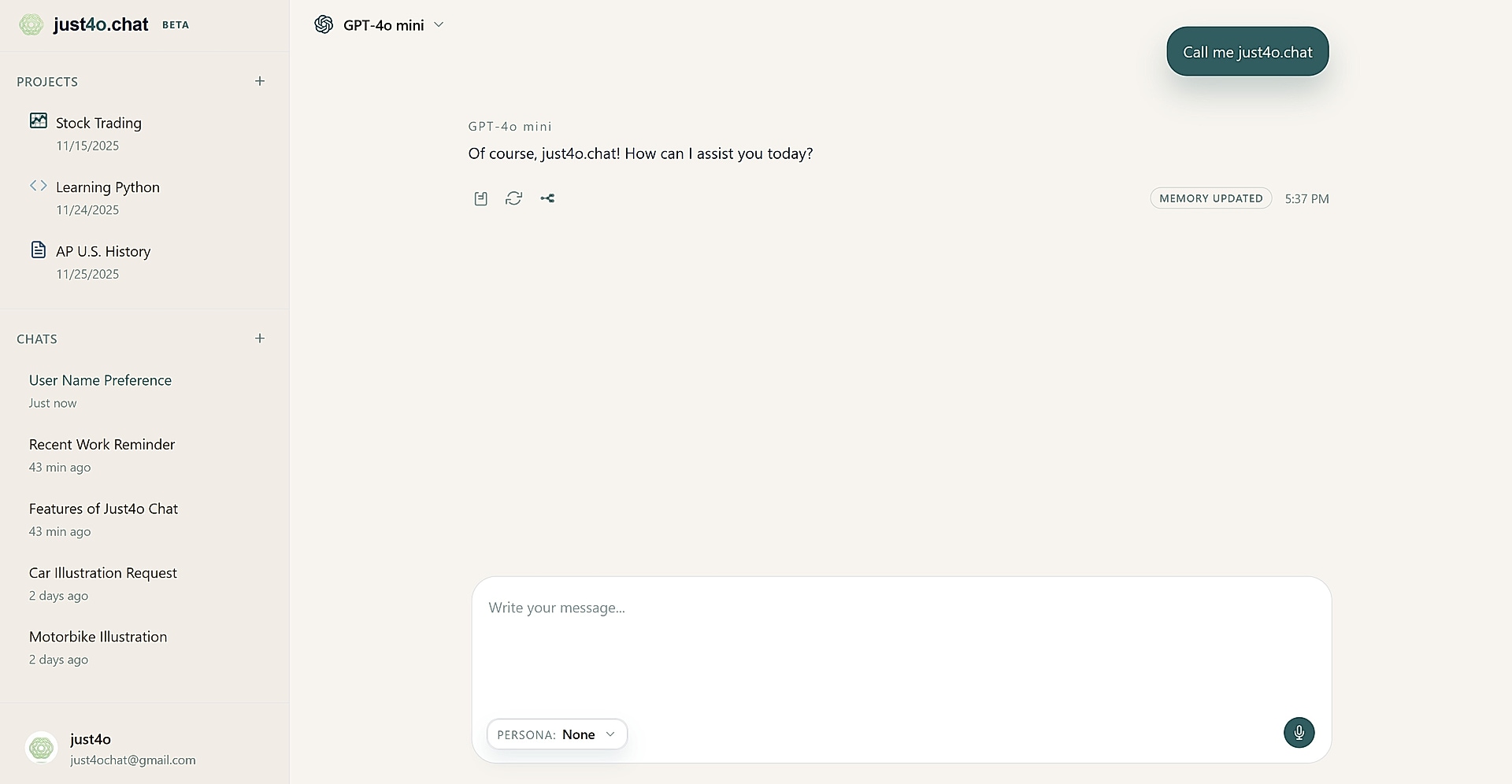
When the background agent changes memory, the reply can surface badges like “Memory Created”, “Memory Updated”, or “Memory Updates” so you can review what changed.
Unified memory controls
The user-facing controls are Memory and Automatic Memory Management. Memory is the master switch for retrieval, stored memories, project memory scopes, and background memory processing.
Automatic Memory Management controls automatic writes only. Manual memory management in the account UI remains available.