
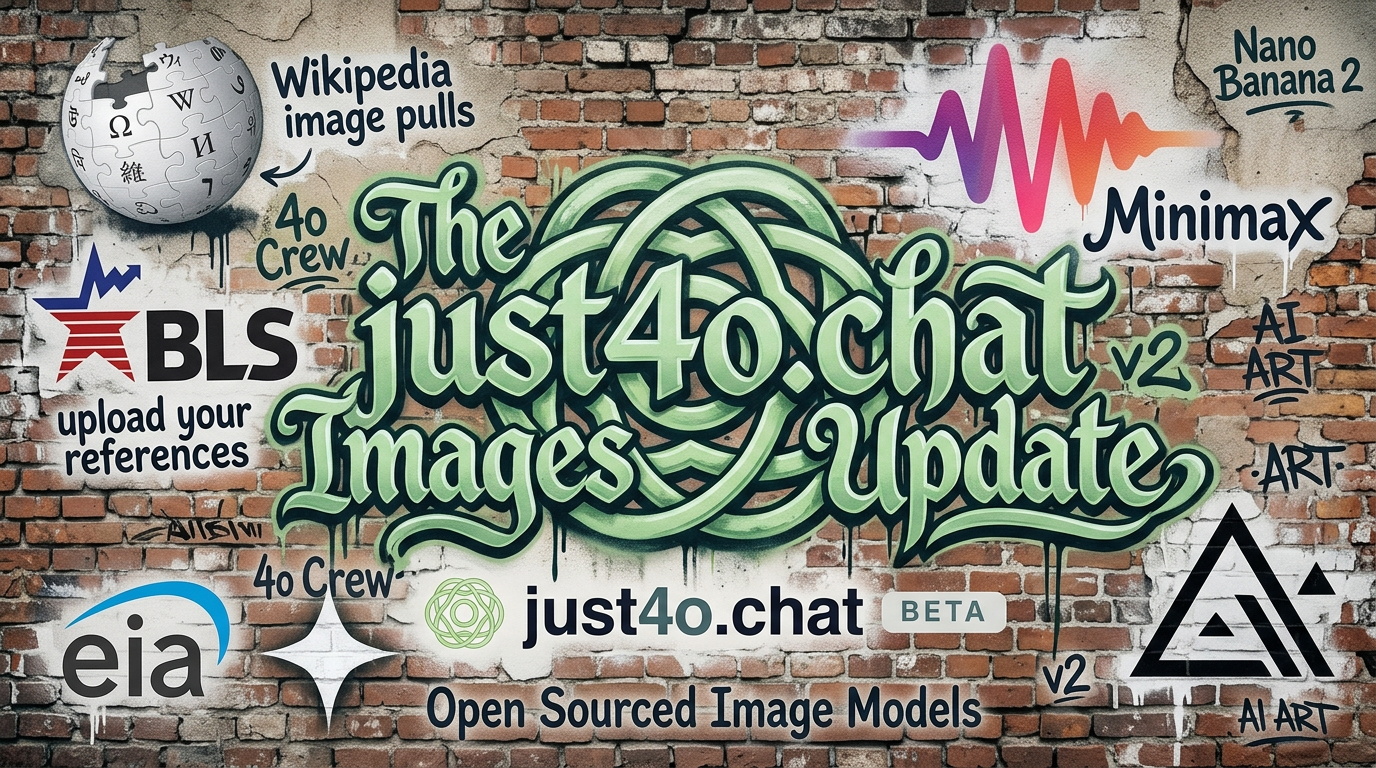
Feature
Image Generation
Current image models from multiple providers, with one Images workspace for generation, references, project media, and iteration history.
How it works
One place to create — with ChatGPT Image, Nano Banana and Nano Banana 2, Imagen 4, Grok Imagine, FLUX.1 Kontext, and Seedream all a click away.
You can generate inside chat or move to the dedicated Images page for a more focused workflow. Account → Image Generation stores your default model, aspect ratio, and any size or quality settings supported by that model.
Images page and editor
A focused studio: drop in references, iterate freely, and keep every version of your image in one place.
Reference limits vary by model. Some models allow one reference, others allow several, and the interface shows those constraints before you generate instead of after a failure.
Wikipedia tags and project media
Search Wikipedia articles directly from the Images page, tag useful images to your gallery, and add them as references without leaving the editor.
That tagged-image flow sits alongside your project media, generated images, and uploaded references so visual research and generation live in the same place.
Models and credits
Each generation uses image credits. Monthly image credit limits are 0 on Explorer, 10 on Builder, 25 on Studio, 50 on Aurora, and 100 on Pro.
See the table below for the current per-model credit cost and reference-image rules as they are configured in the app.
Image models reference

OpenAI
| Model | Reference images | Credits per image |
|---|---|---|
| ChatGPT Image Latest | Up to 8 references | 1–6 |
| GPT Image 2 | Up to 8 references | 1–6 |
| GPT Image 1.5 | Up to 8 references | 1–6 |

| Model | Reference images | Credits per image |
|---|---|---|
| Nano Banana / Gemini 2.5 Flash Image | Up to 3 references | 2 |
| Nano Banana Pro / Gemini 3 Pro Image | Up to 8 references | 3–6 |
| Nano Banana 2 / Gemini 3.1 Flash Image | Up to 8 references | 2–4 |

xAI
| Model | Reference images | Credits per image |
|---|---|---|
| Grok Imagine | Up to 3 references | 1 |
| Grok Imagine Image (Quality) | Up to 3 references | 1–2 |

Black Forest Labs
| Model | Reference images | Credits per image |
|---|---|---|
| FLUX.1 Kontext Pro | Up to 8 references | 1 |
| FLUX.1 Kontext Max | Up to 8 references | 2 |

ByteDance Seedream
| Model | Reference images | Credits per image |
|---|---|---|
| Seedream 4.5 | Up to 10 references | 1 |

Krea
| Model | Reference images | Credits per image |
|---|---|---|
| Krea 2 Turbo | Text-to-image | 1 |
Open Images
Go to the dedicated Images page to generate, edit, and manage your creations with reference images and Wikipedia integration.